Everything in Mirage Capture.
One app for iPhone, iPad, Mac, and Apple Watch. Every device can be a camera, a monitor, a microphone, or a remote, and they all work together on your local network.
Download on the App StoreDownload on the Mac App StoreEvery camera you own, in one studio on your Mac.
Mirage for Mac brings in your iPhones and iPads over Wi-Fi, with sound, adds your Mac’s own cameras and screen, and arranges them for you. Use the result as your camera in any app, stream it, or record every angle.
Requires macOS 26 or later. Included with Mirage Capture.
More about Mirage for Mac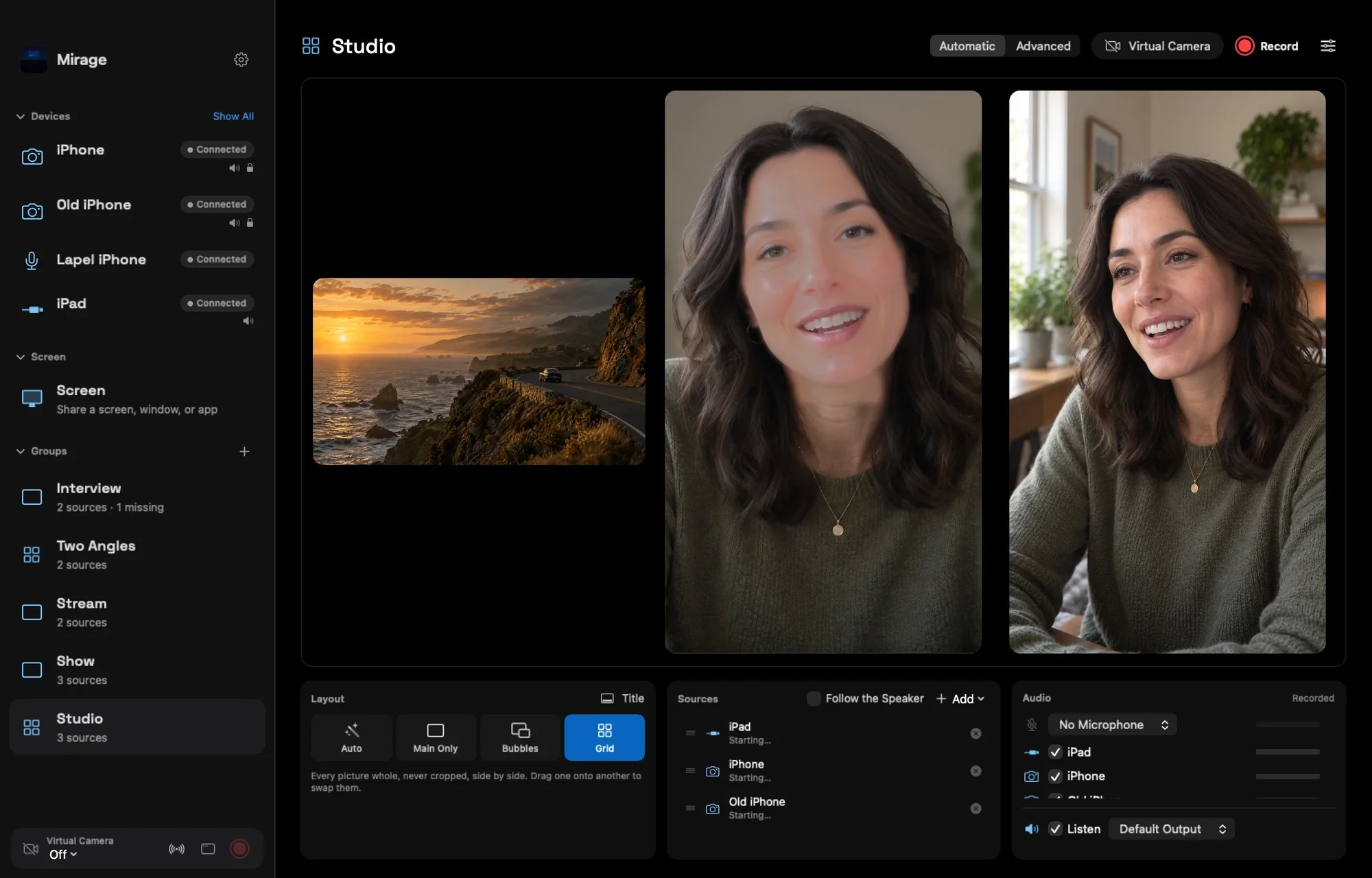
Your iPhone, a live camera.
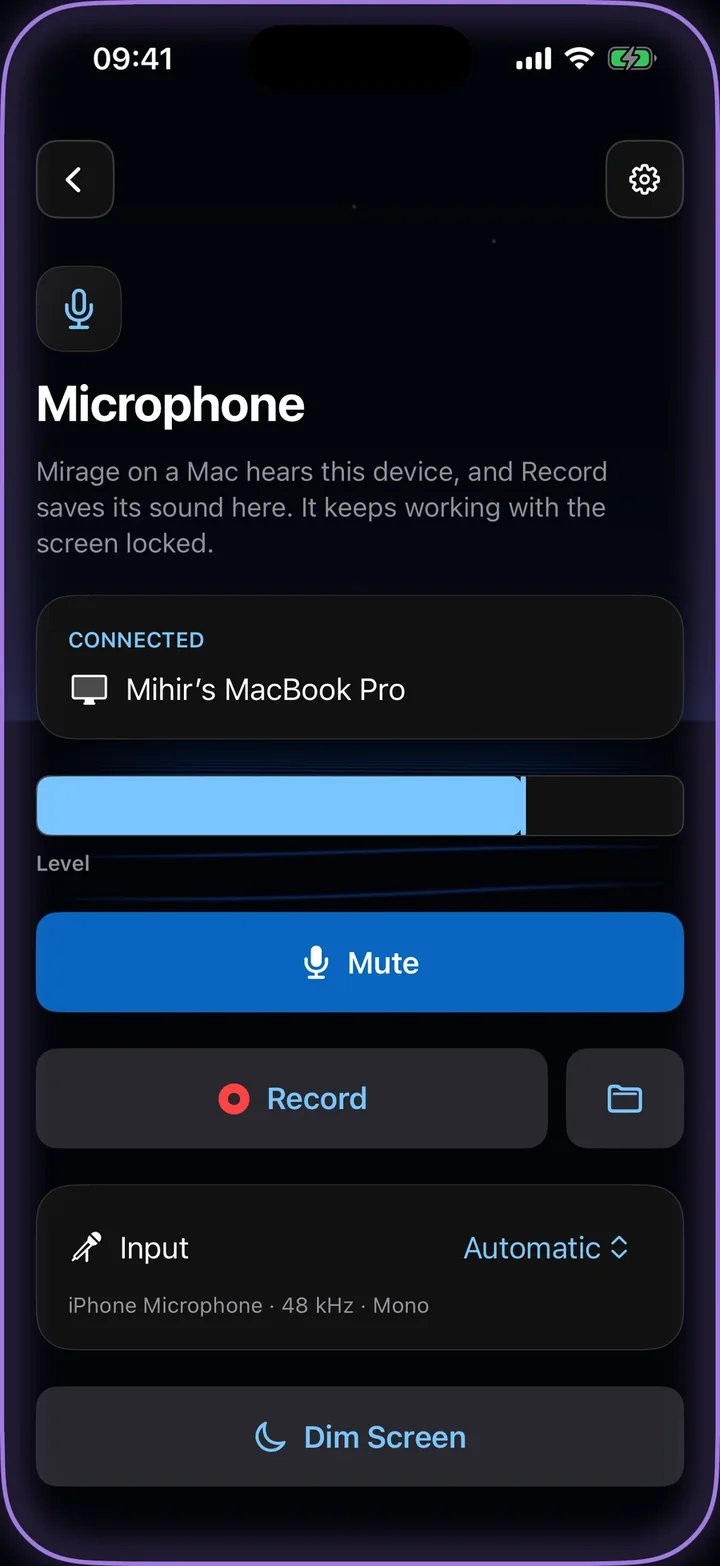
Send your iPhone’s or iPad’s camera, with its microphone, to your Mac, into OBS and other NDI software, or to any browser on your network. Record it on the device at the same time.
iPhone or iPad with iOS 17 or later.
More about Camera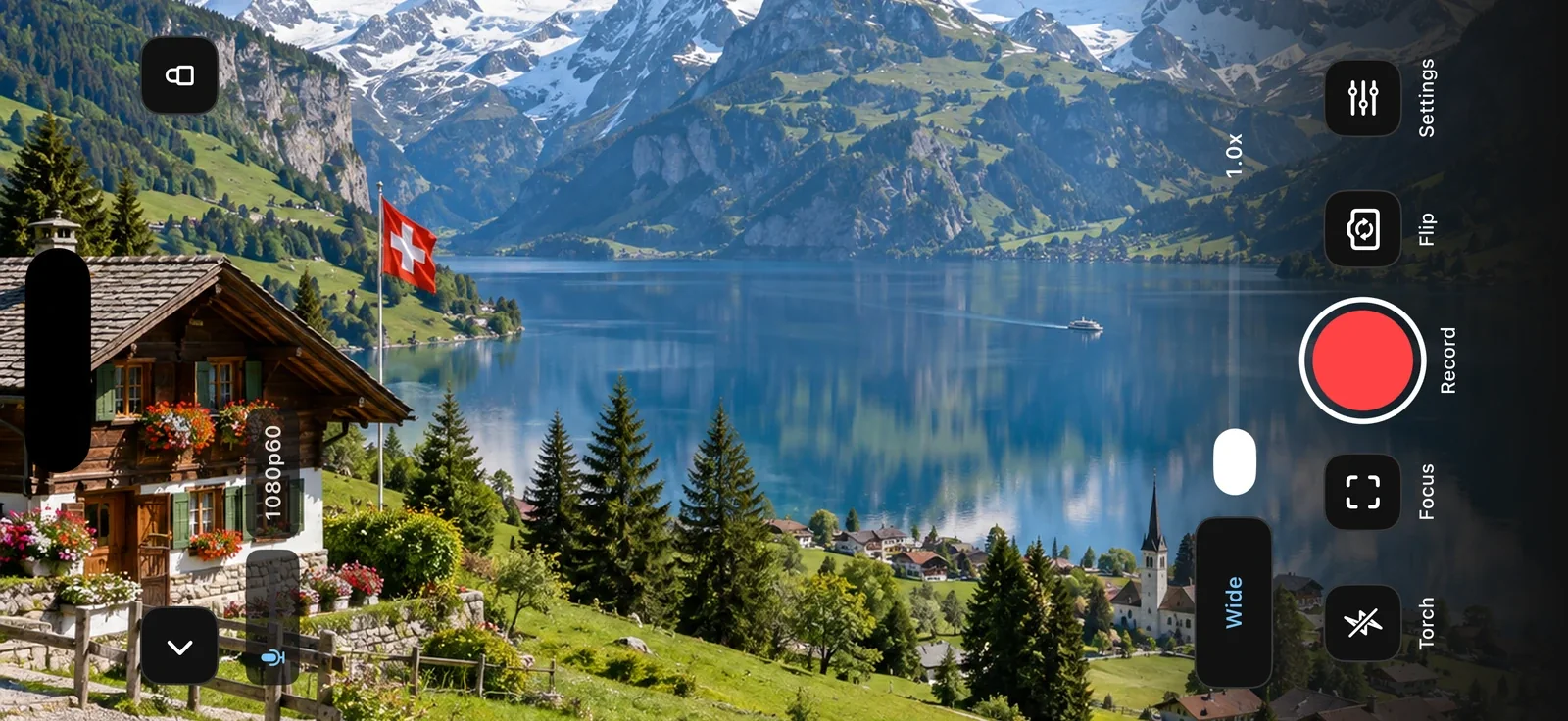
Run the show from your iPhone or iPad.
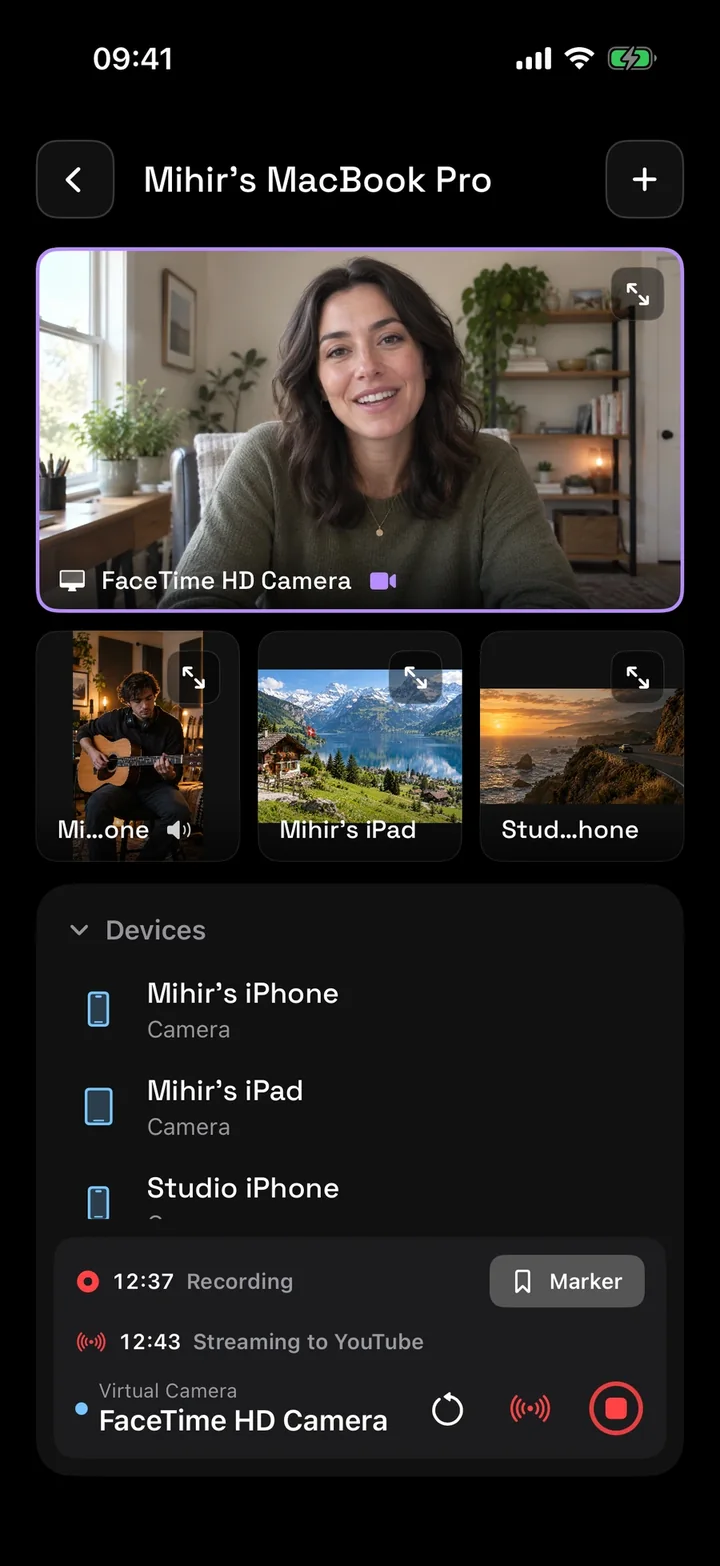
Director watches up to four cameras at once, and runs your Mac studio from your hand: switch what’s in use, record, add markers, play a replay, and start the stream, with the studio’s sound levels on screen.
iPhone or iPad with iOS 17 or later. Running a studio needs Mirage for Mac.
More about Director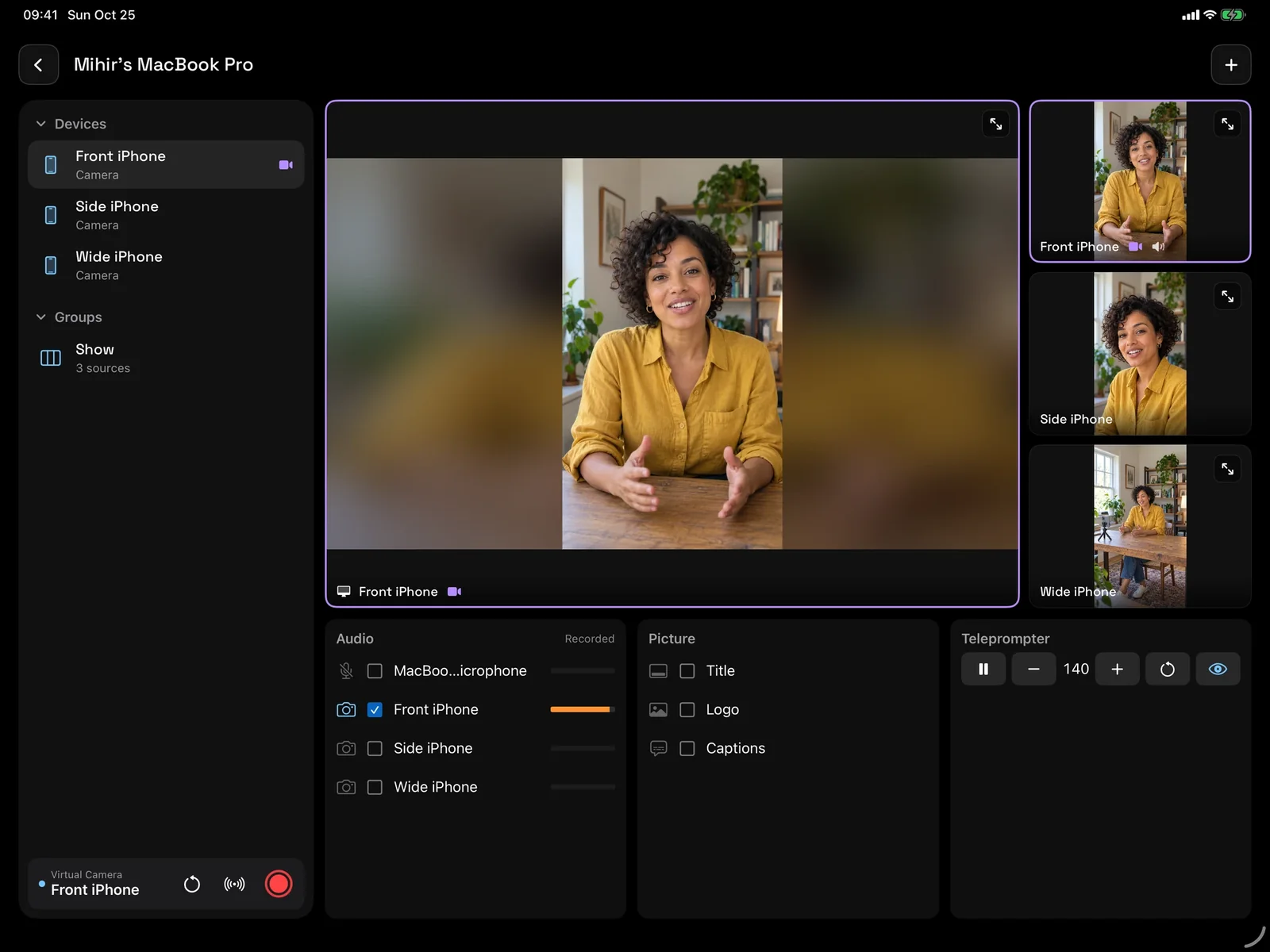
Any iPhone is a microphone.
Put a spare iPhone near the voice you want to hear. Mirage for Mac hears it over Wi-Fi, keeps it on its own recording lane, and collects the full-quality copy the phone saves itself.
iPhone or iPad with iOS 17 or later, and Mirage for Mac.
More about Microphone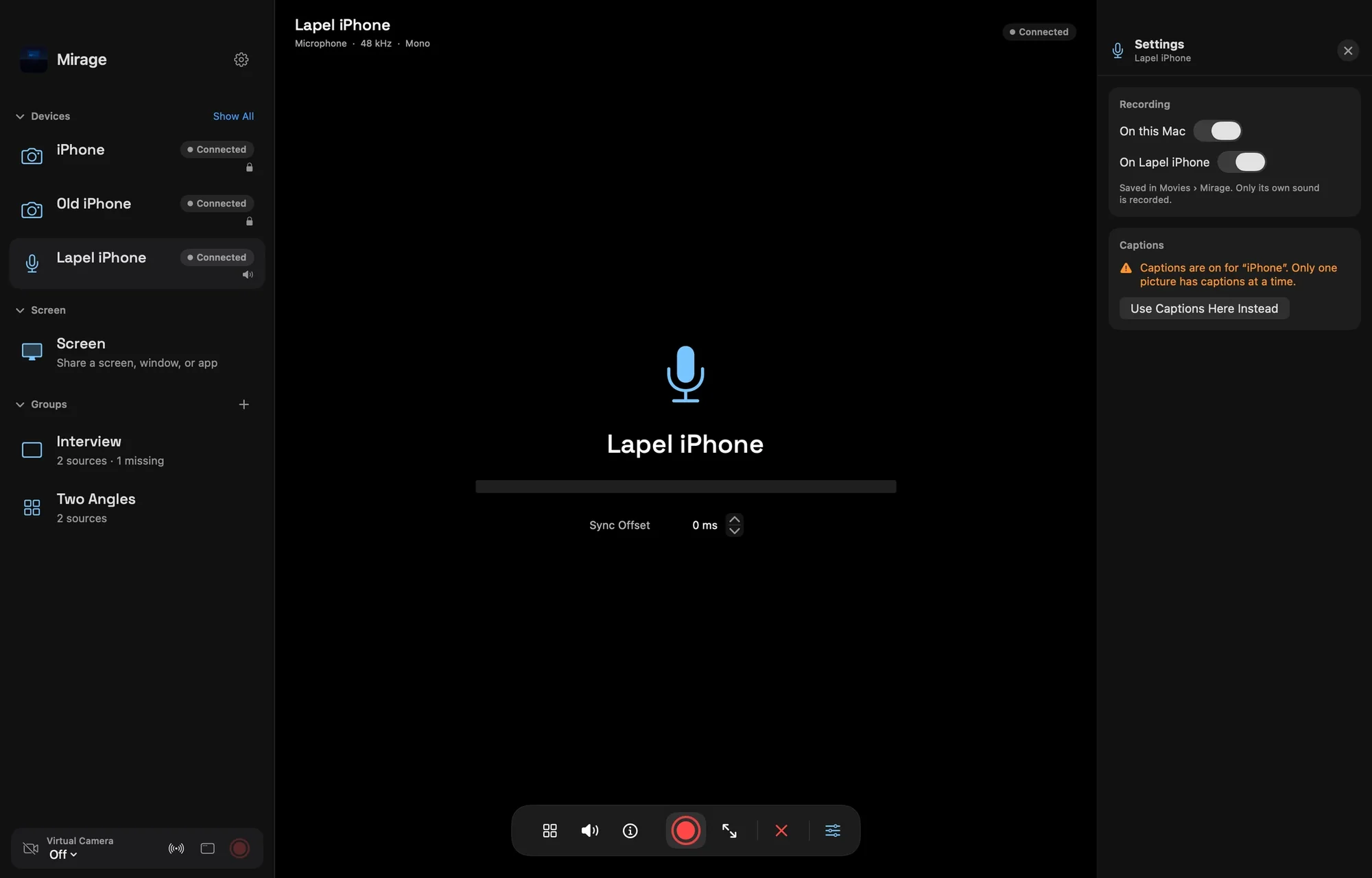
Turn your iPad into a capture monitor.
Plug a UVC capture card into an iPad with USB-C and see your camera, console, or computer live, with its sound. Check exposure and focus with professional monitoring tools.
iPad with a USB-C port and a compatible UVC capture card. iPad only.
More about Capture Card
Share your screen to a nearby device.
Demo an app or walk someone through a task. Screen Share shows your iPhone or iPad on another iPhone, iPad, or Mac, with the app’s sound, while you keep using other apps.
iPhone or iPad with iOS 17 or later.
More about Screen Share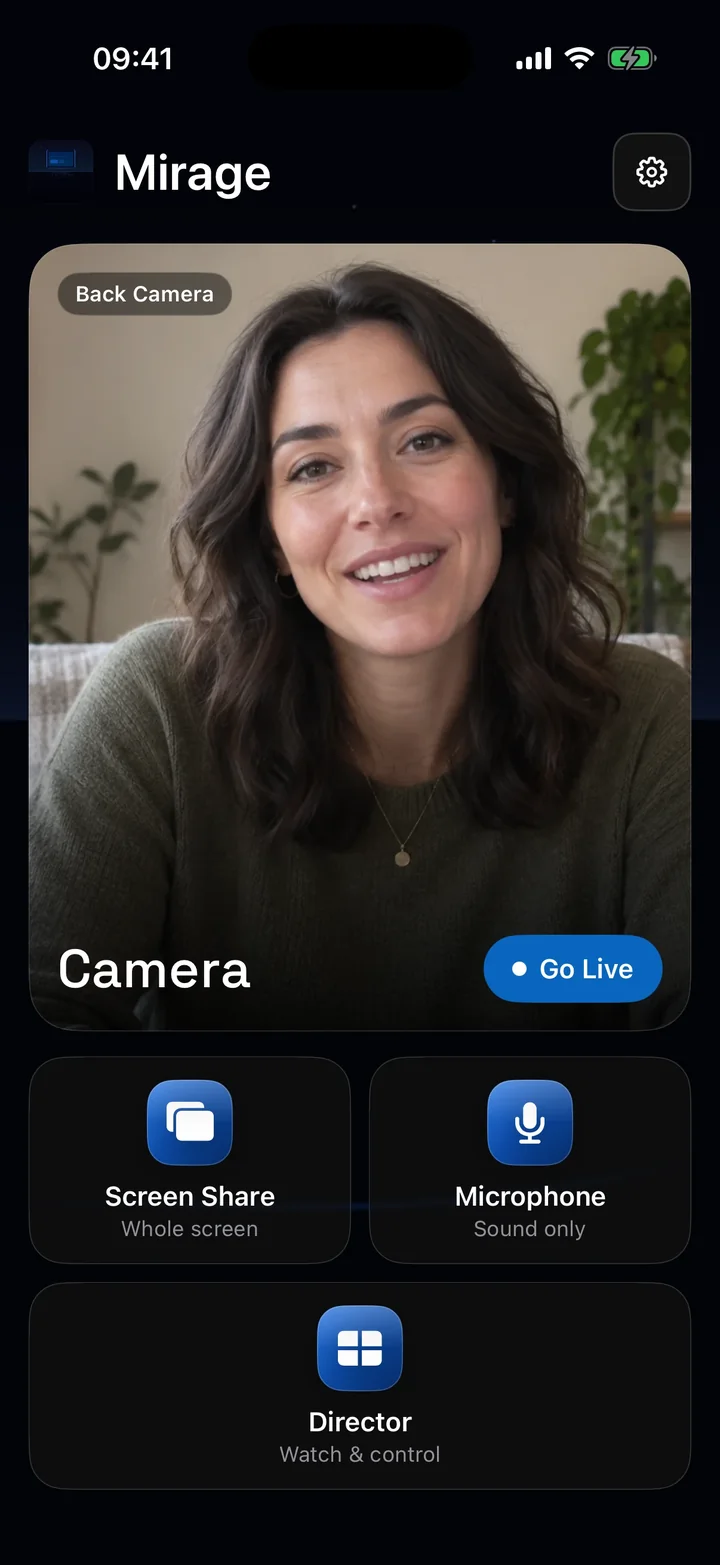
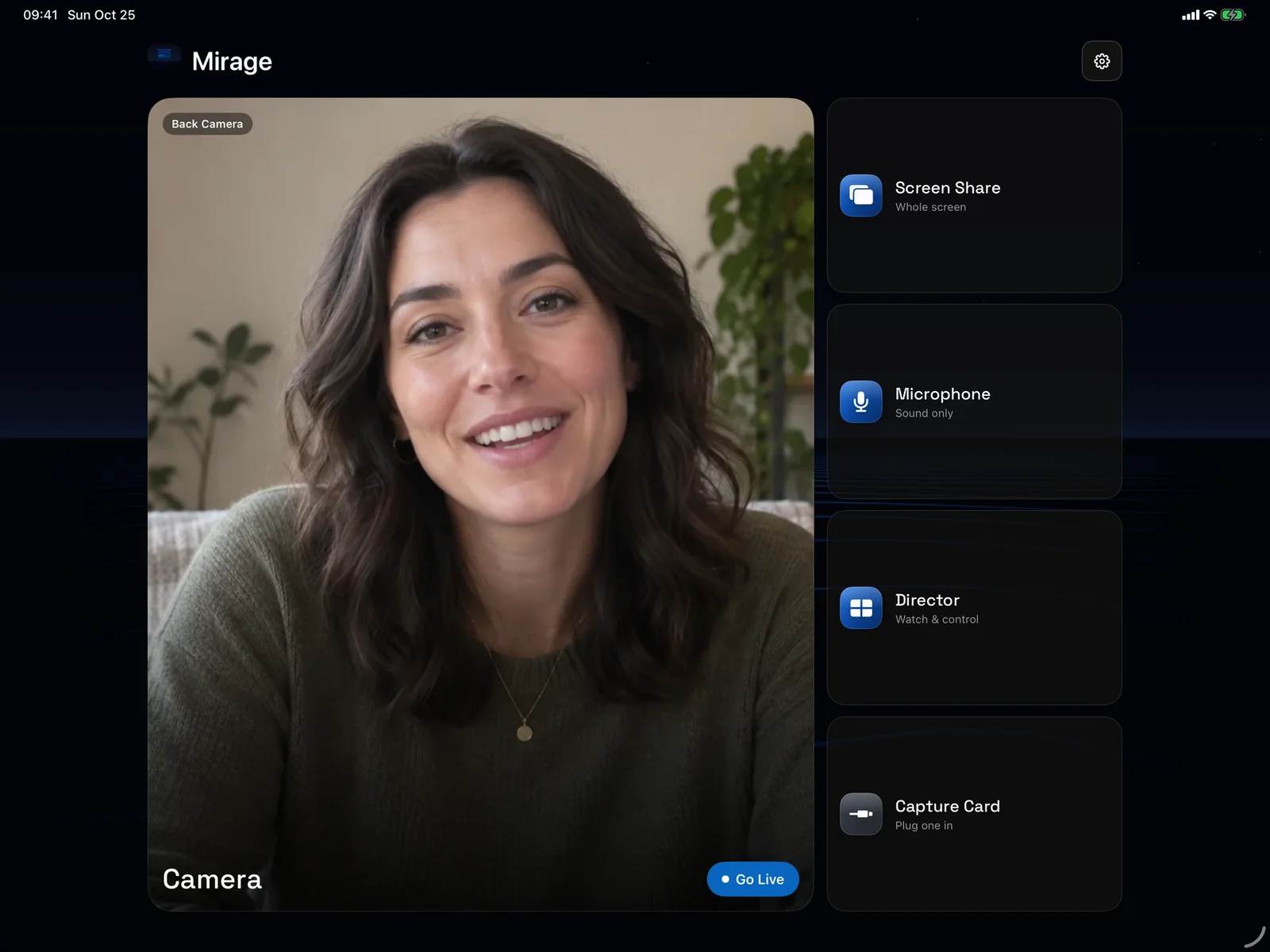
Roll from your wrist.
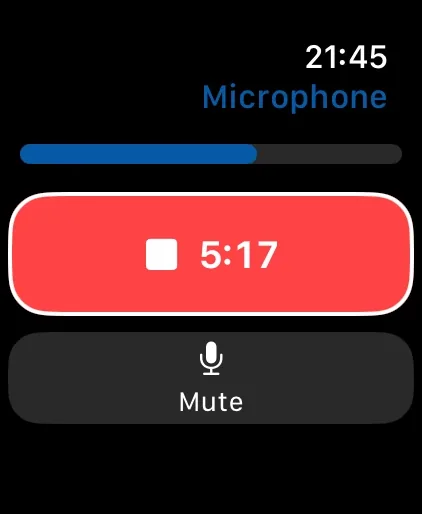
Record, flip the camera, switch lenses, turn on the light, and mute, with a live preview on the watch. From Director, run your Mac studio: record, add a marker, replay, and switch cameras.
Apple Watch paired with an iPhone running Mirage Capture. Keep Mirage Capture open on the iPhone.
More about Apple Watch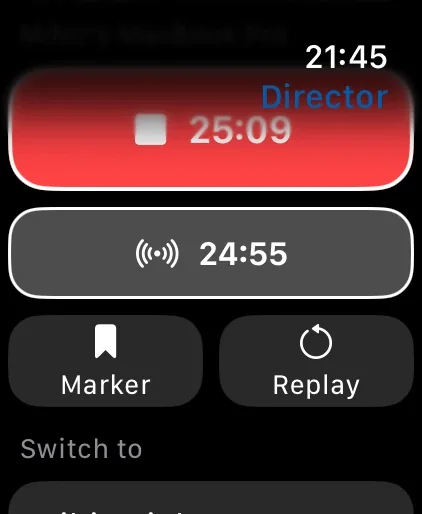
Every source, three ways out.
Camera, Screen Share, Capture Card, and Microphone each send their picture and sound three ways.
Get Mirage Capture.
One purchase for iPhone, iPad, Mac, and Apple Watch. No account, no subscription.
Download on the App StoreDownload on the Mac App Store