Mirage Capture
The crew you already own.
Download on the App StoreDownload on the Mac App StoreYour iPhone is the camera, your iPad is the monitor, your Mac is the studio, and Apple Watch is the remote.
Mirage Capture in 34 seconds
Every camera you own, in one studio on your Mac.Your iPhone, on your Mac.Bring your iPad to your Mac.
Mirage for Mac brings in your iPhone and iPad over Wi-Fi, adds your Mac’s cameras and screen, and arranges them for you. Use the result as your camera in any video call, or record every angle.
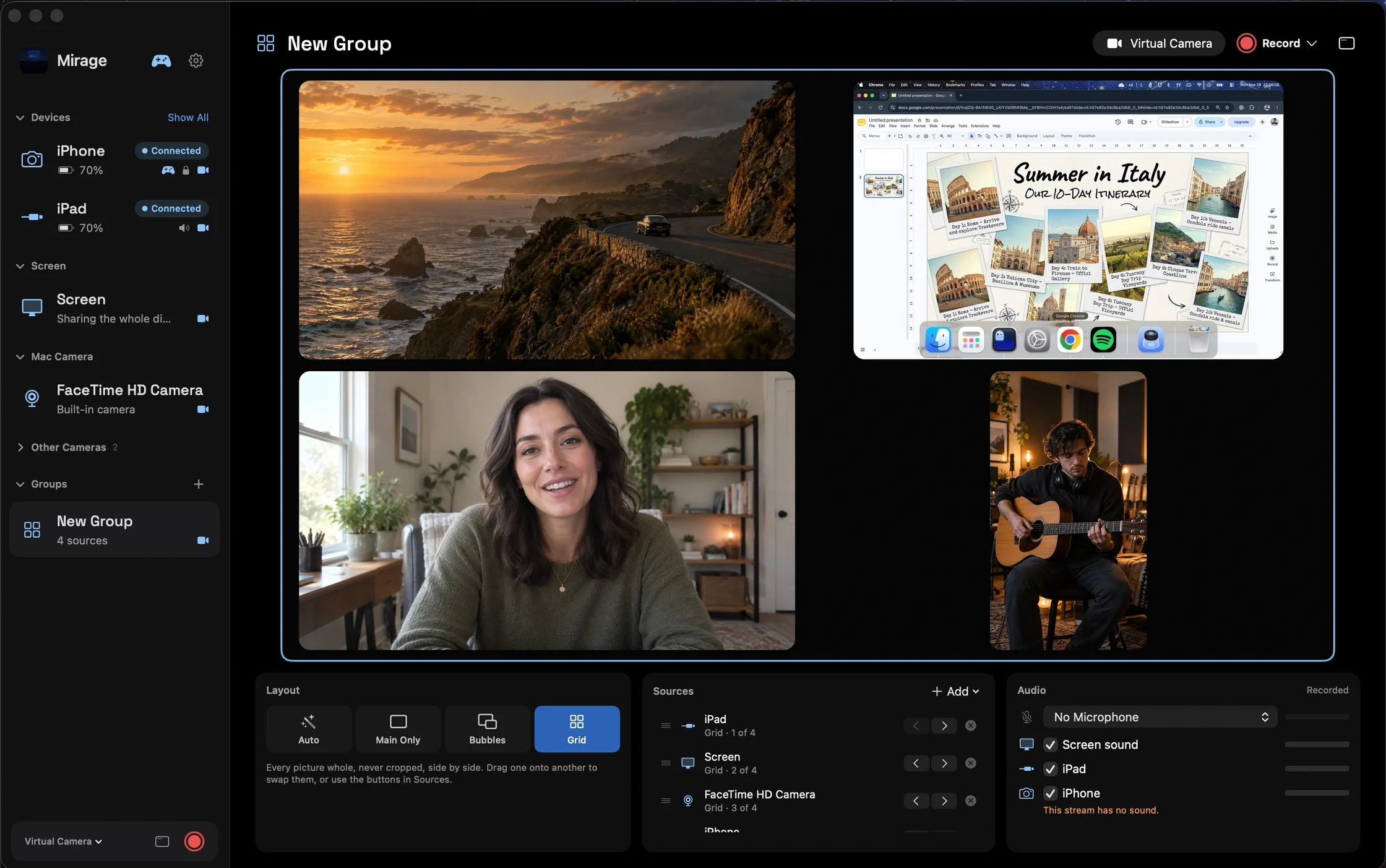
Drag one source onto another to make a group, and Mirage arranges it for you: cameras float in bubbles over a screen, or sit side by side in a grid.
Requires macOS 26 or later. More about Mirage for Mac
Mirage · iPhone
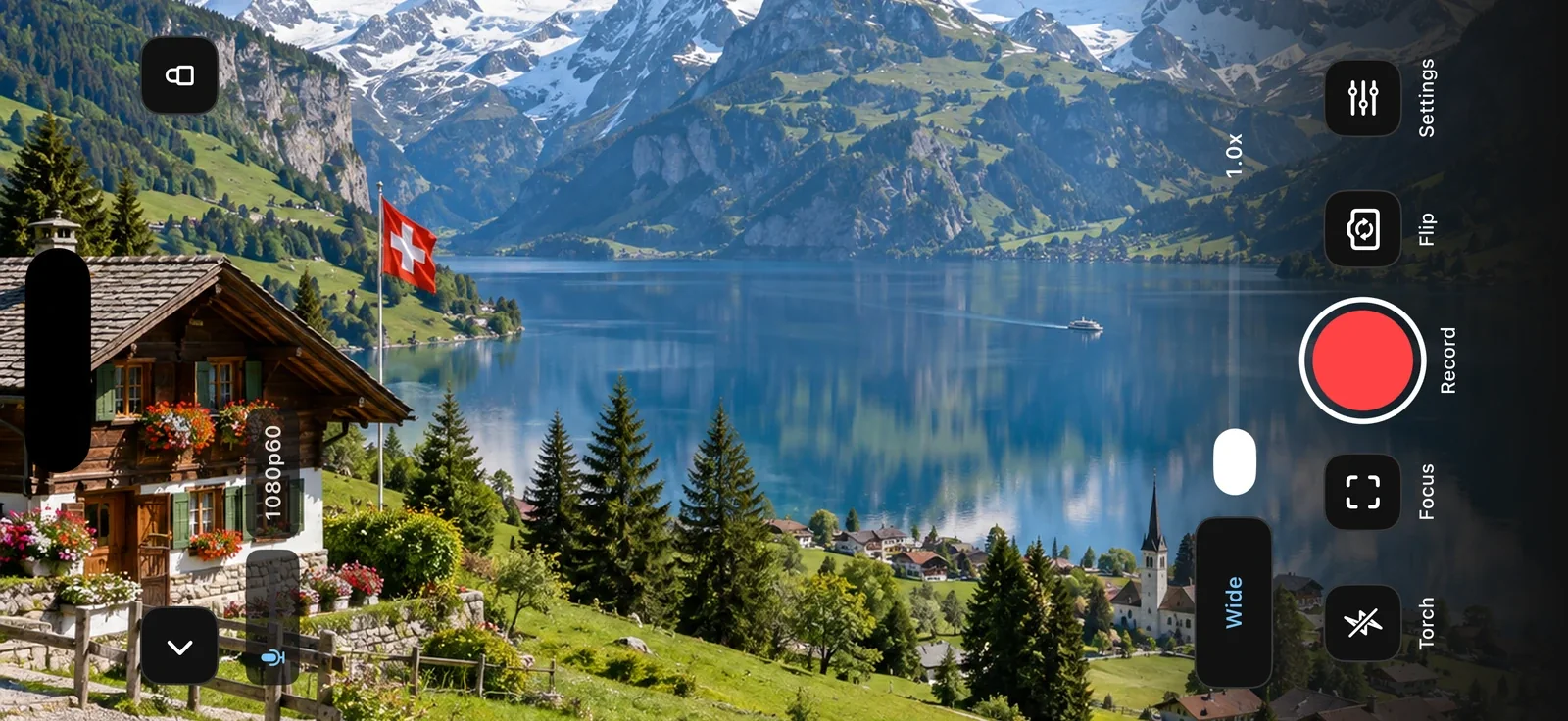
Turn your iPhone into a live camera.
Send video and mic audio to your Mac, to OBS over your local network, or to any browser. You can also send it to another iPhone or iPad, or record it.
Mirage for Mac watches it over Wi-Fi. Turn on Virtual Camera to use it in Zoom, Google Meet, FaceTime, or OBS, with no plugin.
More about Camera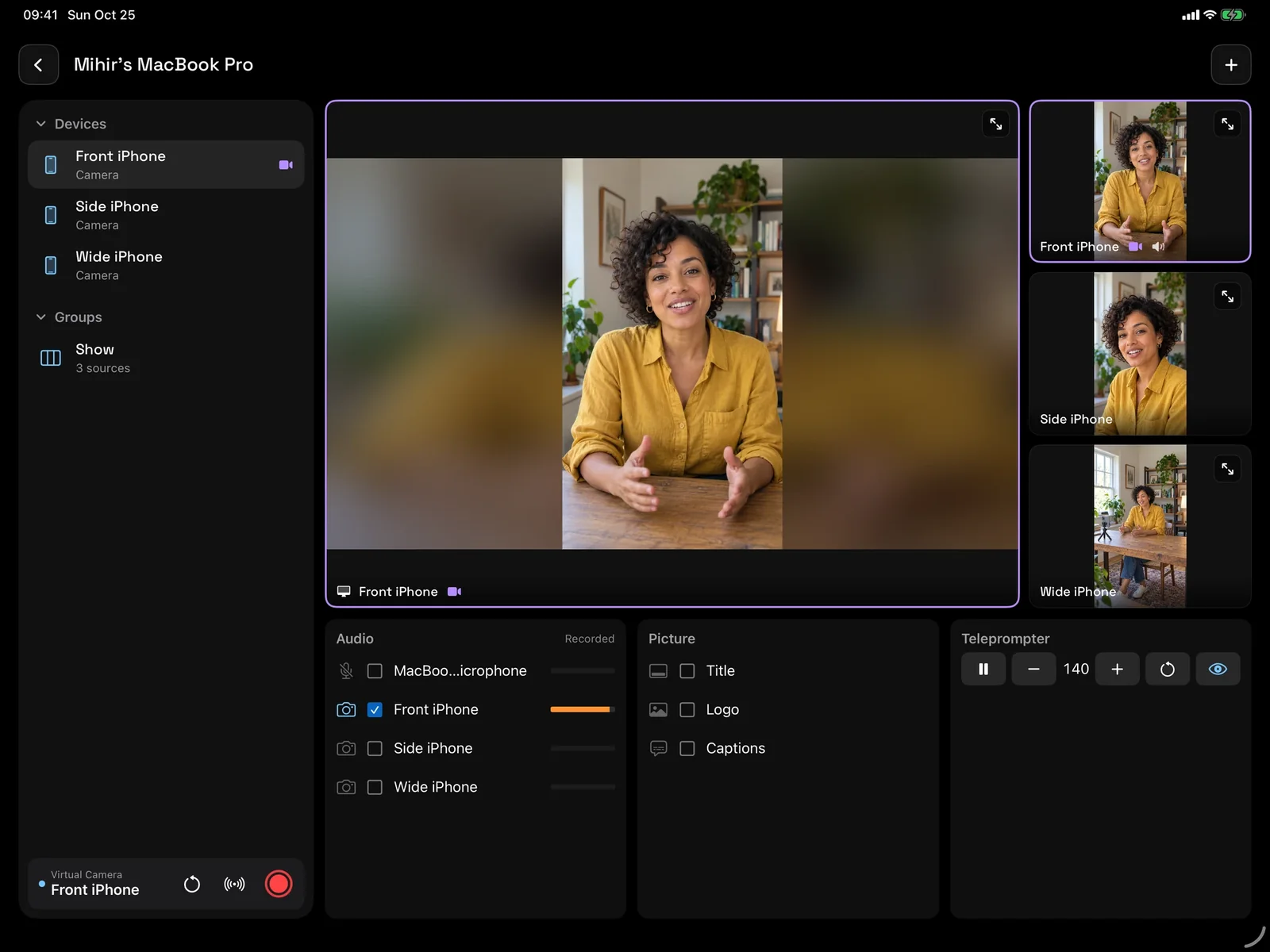
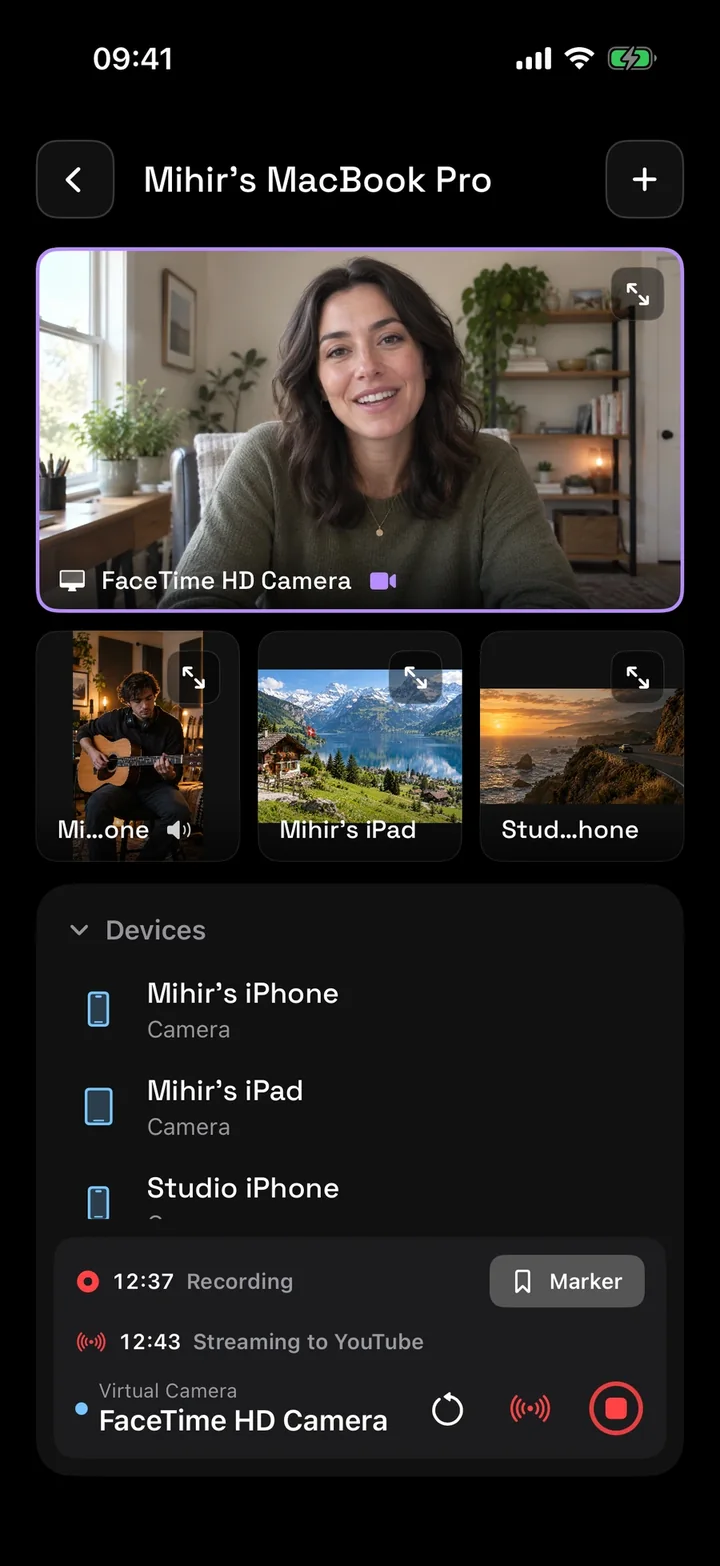
Run the show from your iPhone or iPad.
Director watches up to four cameras at once, and runs your Mac studio from your hand: switch what’s in use, record, add markers, play a replay, and start the stream.
The camera in use shows a purple edge, red while it records, so everyone in the room knows.
More about Director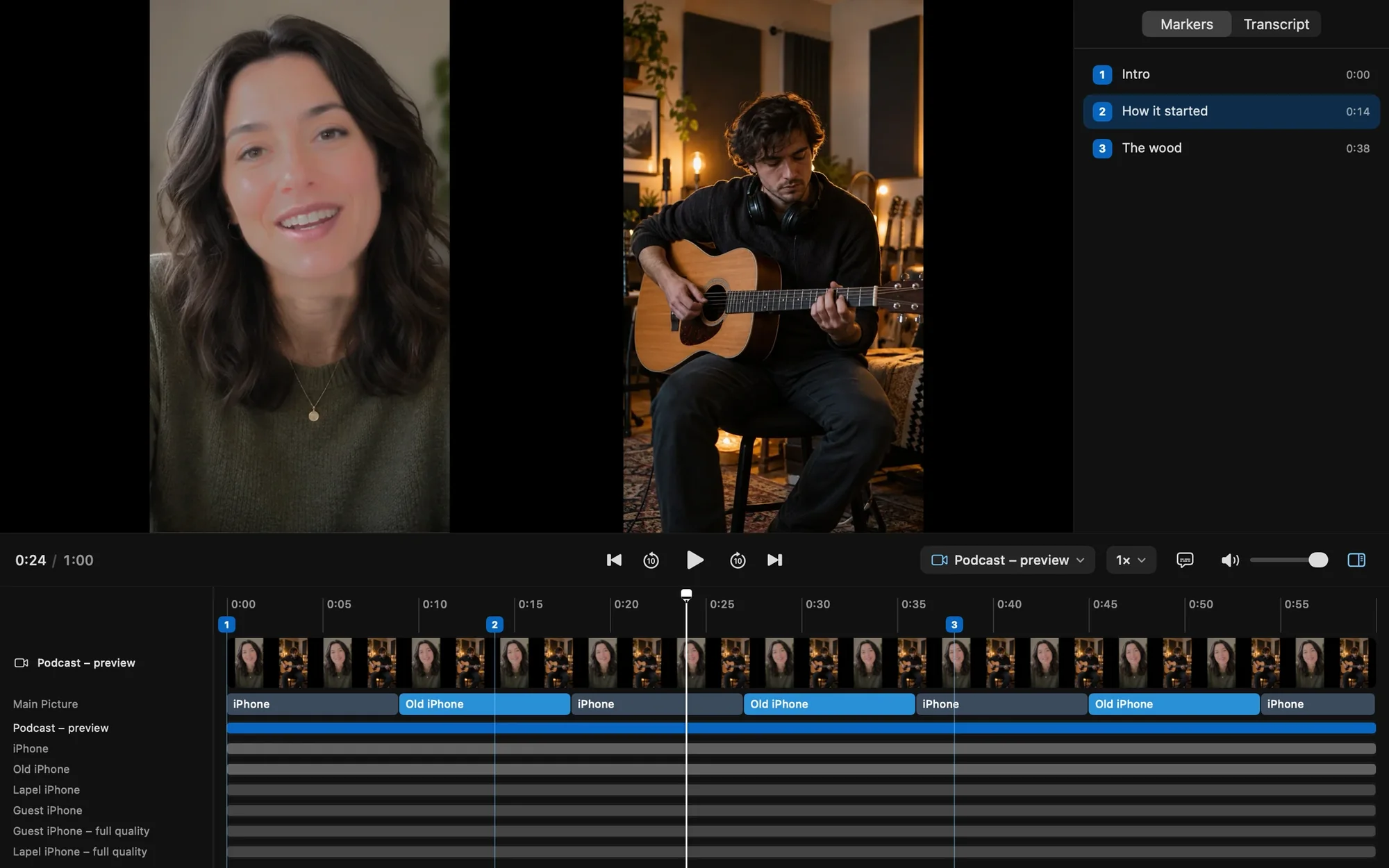
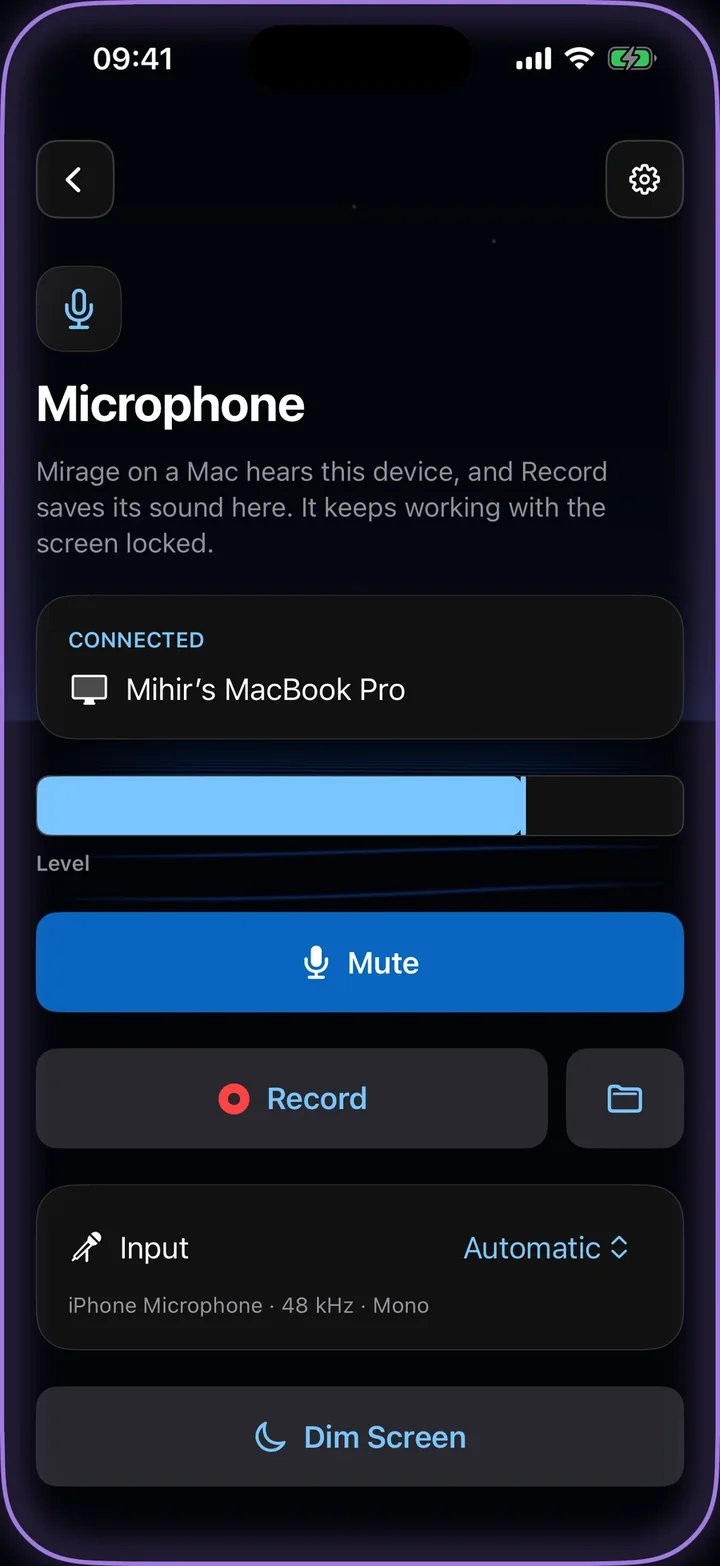
Any iPhone is a microphone.
Use a spare iPhone as a wireless microphone for your Mac. Every voice gets its own track, and the phone keeps working with its screen locked.
It records its own copy as well, so a dropped connection never costs you the take.
More about Microphone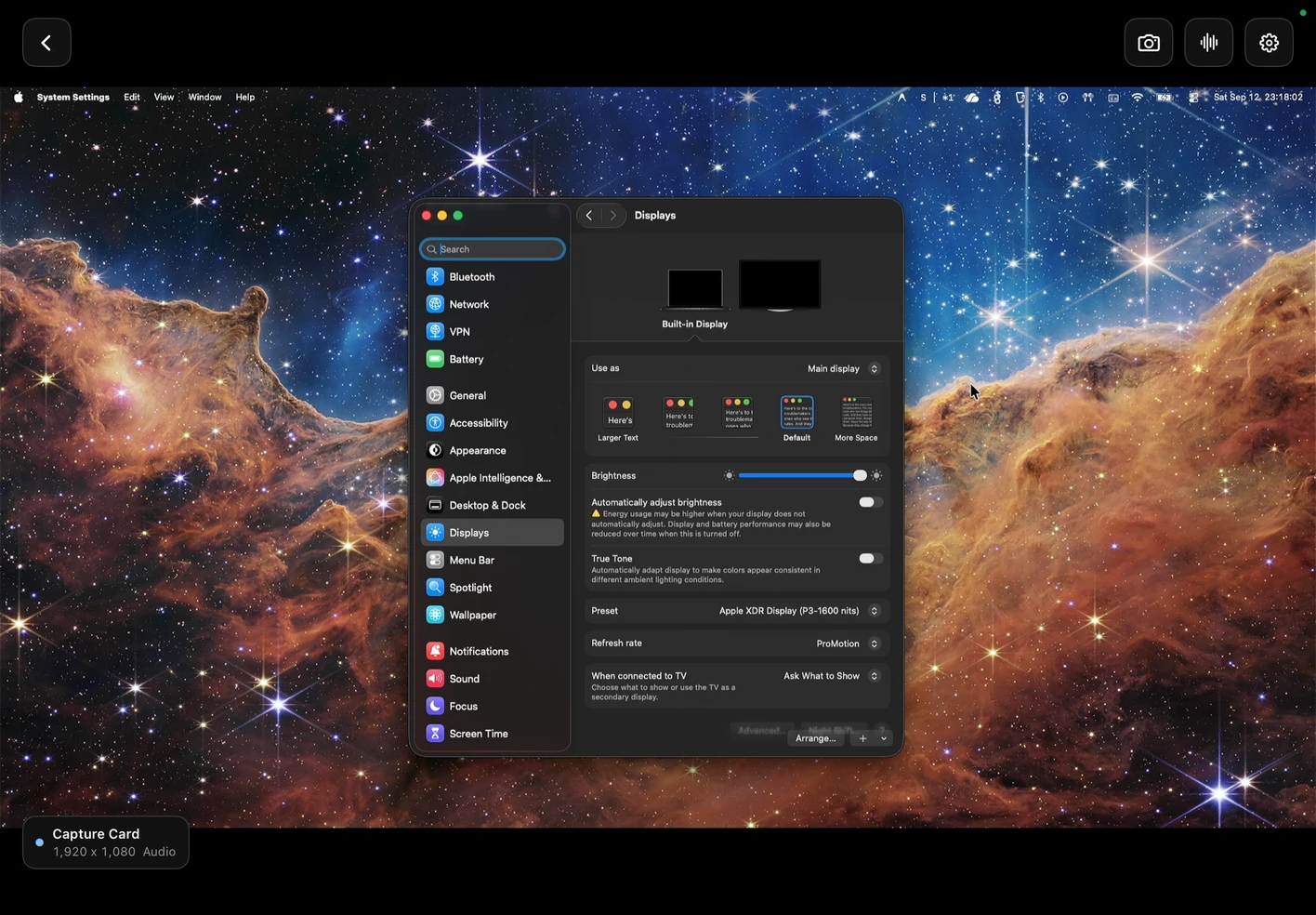
Turn your iPad into a capture monitor.
Plug in a UVC capture card and see your camera, console, or computer live. Check exposure and focus with false color, zebras, and focus peaking.
Listen to source audio, take screenshots, or broadcast the clean feed to another iPhone, iPad, or Mac.
More about Capture Card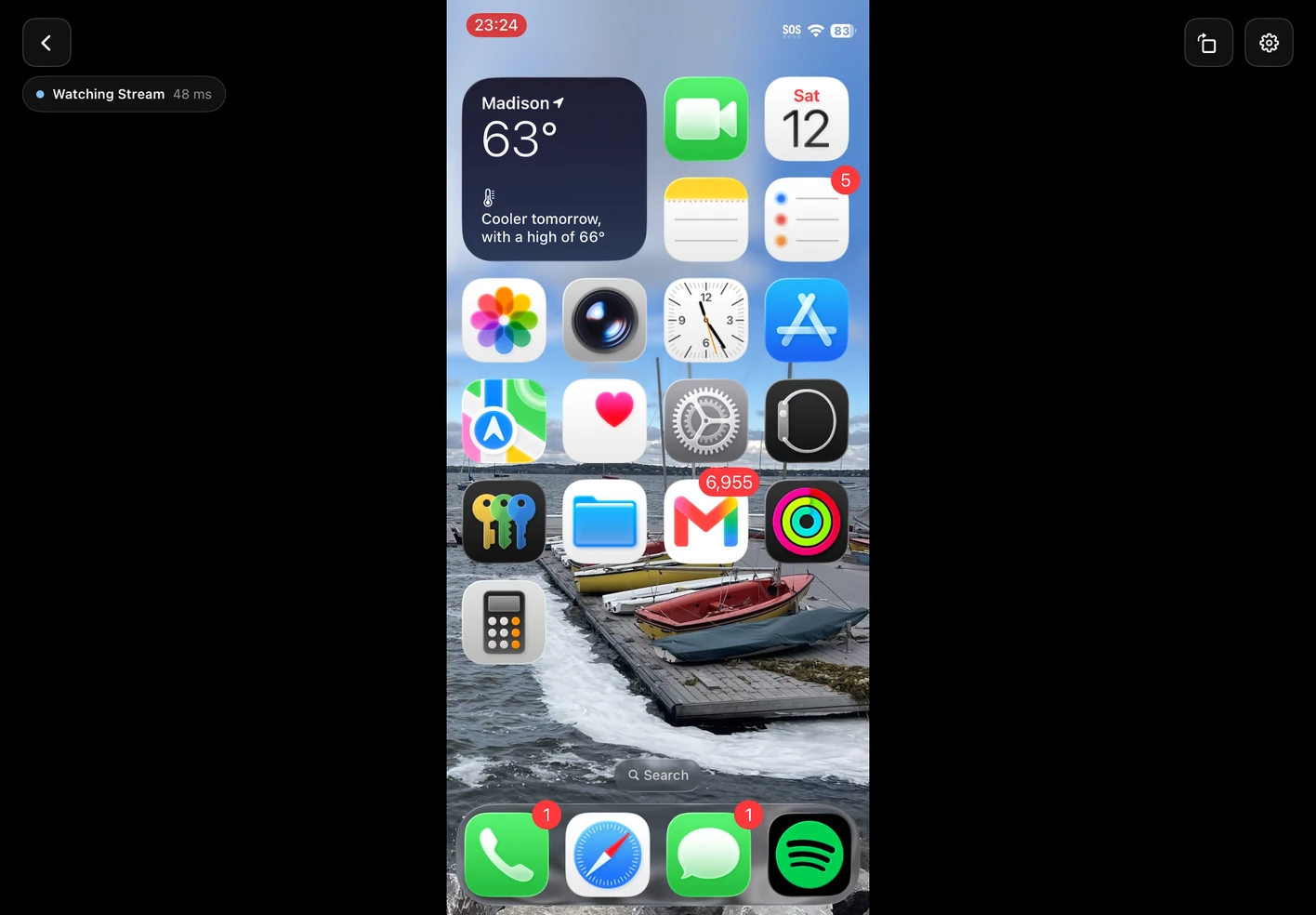
Share your screen to another device.
Demo an app or walk someone through a task. Start Screen Share on one device, then pick it in Director on another, or in Mirage for Mac, and enter the six-digit code.
Director also watches Camera and capture-card broadcasts, up to four at once. Devices connect over your local network.
More about Screen Share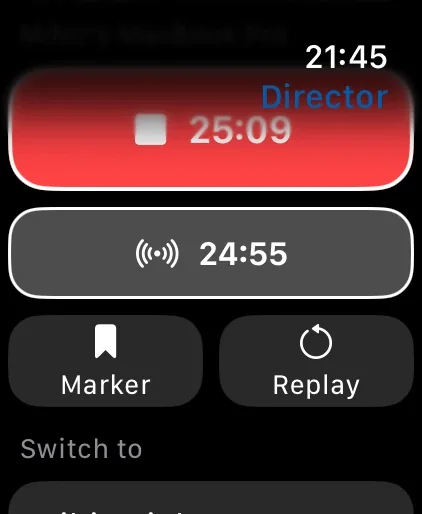
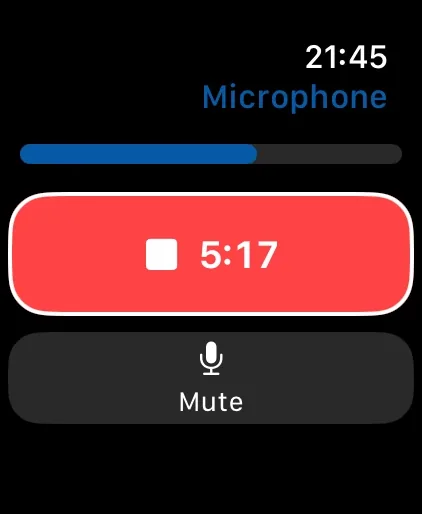
Roll from your wrist.
Record, flip the camera, switch lenses, turn on the light, and mute from Apple Watch, with a live preview. From Director, run your Mac studio: record, add a marker, replay, and switch.
More about Apple WatchHow it works
Built in
Made for
Questions
What is Mirage Capture?
An app that turns the Apple devices you already own into a video crew: your iPhone is the camera, your iPad is the monitor, your Mac is the studio, and Apple Watch is the remote.
Which devices does it work on?
iPhone and iPad with iOS 17 or later, Mac with macOS 26 or later, and Apple Watch paired with an iPhone. Capture Card needs an iPad with a USB-C port.
Do I need to buy it for every device?
No. One purchase includes the iPhone, iPad, Apple Watch, and Mac apps.
Is there a subscription or an account?
No subscription and no account. Mirage Capture works over your local network, with no cloud.
Can I use my iPhone as a webcam for Zoom, Meet, or FaceTime?
Yes. Mirage for Mac’s virtual camera, Mirage Camera, shows your iPhone, or a group of cameras, in any Mac app that lets you choose a camera.
Does it work with OBS?
Yes. Send any iPhone or iPad to OBS as an NDI® source: OBS needs the DistroAV plugin and the NDI Runtime, then a restart. On a Mac, Mirage Camera works in OBS with no plugin. See How to use your iPhone as a camera in OBS.
Can I record several cameras at once?
Yes. Mirage for Mac records every camera, screen, and microphone as its own file, in sync, with a timeline for Final Cut Pro, Premiere Pro, and DaVinci Resolve.
Can I use an iPad as a monitor?
Yes. With a UVC capture card, an iPad with USB-C shows any HDMI source, with false color, zebras, focus peaking, a waveform, a histogram, and LUTs.
Get Mirage Capture.
One purchase for iPhone, iPad, Mac, and Apple Watch. No account, no subscription.
Download on the App StoreDownload on the Mac App Store