Share your screen to a nearby device.
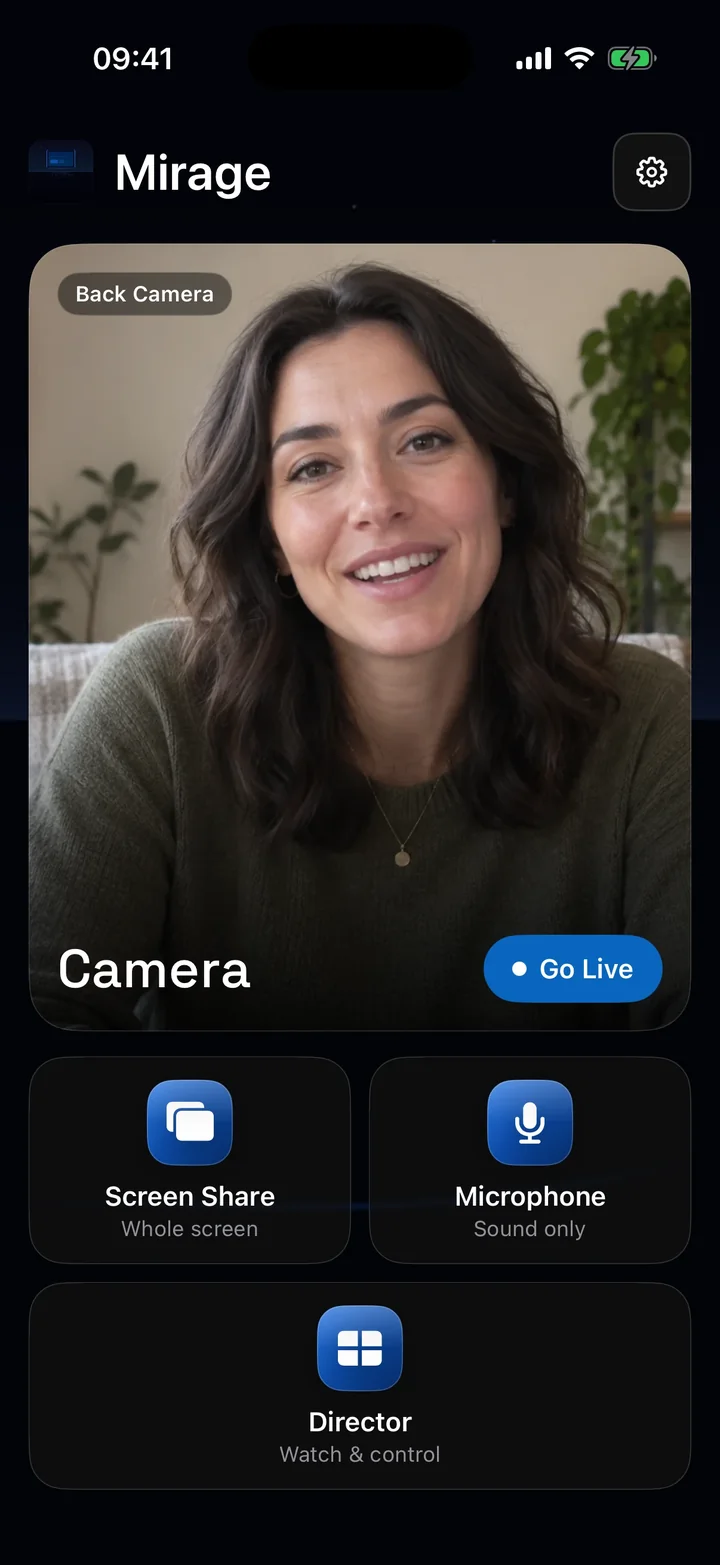
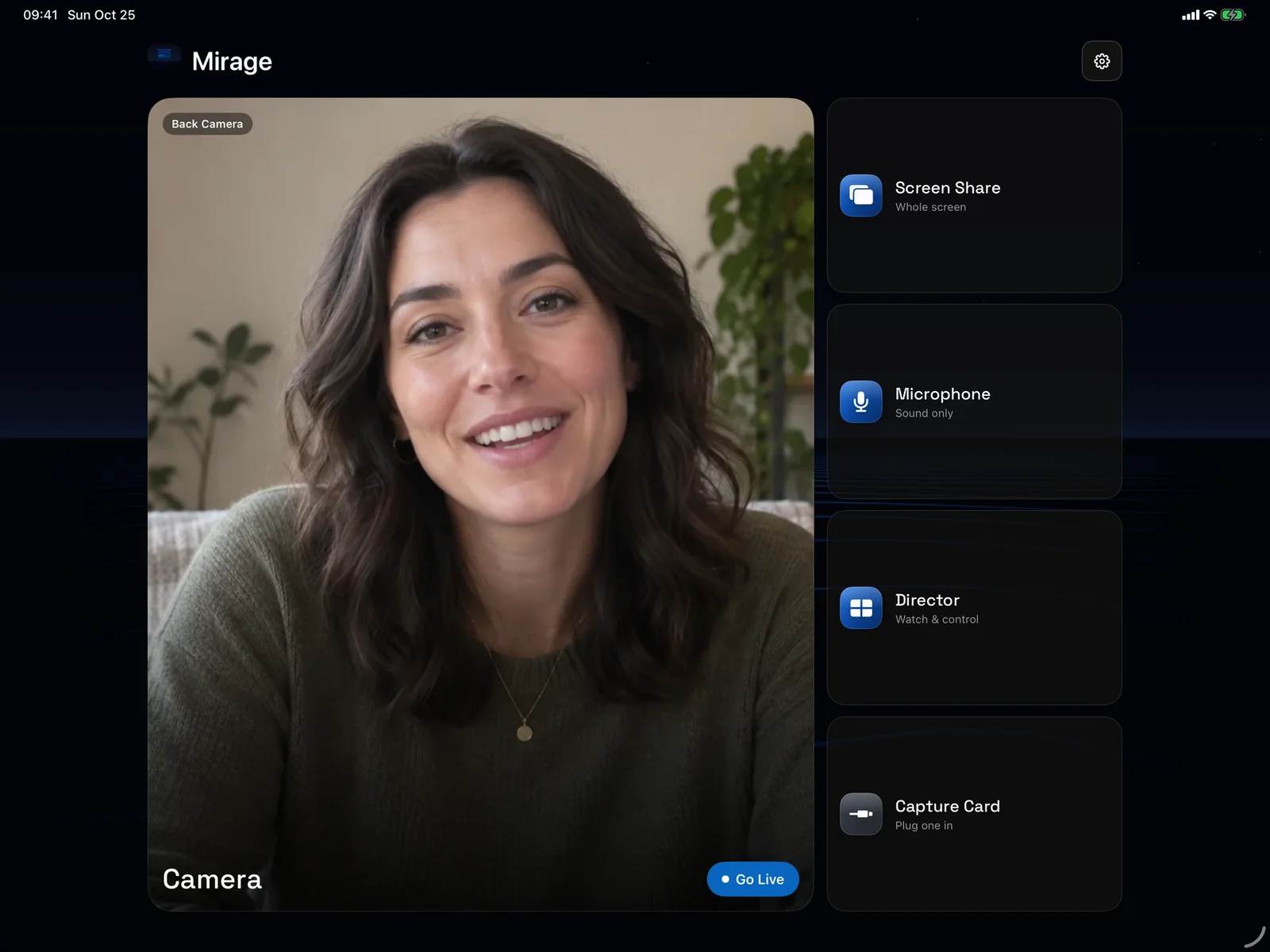
Demo an app or walk someone through a task. Screen Share shows your iPhone or iPad on another iPhone, iPad, or Mac, with the app’s sound, while you keep using other apps.
Download on the App StoreDownload on the Mac App StoreiPhone or iPad with iOS 17 or later.
Watch it anywhere nearby.
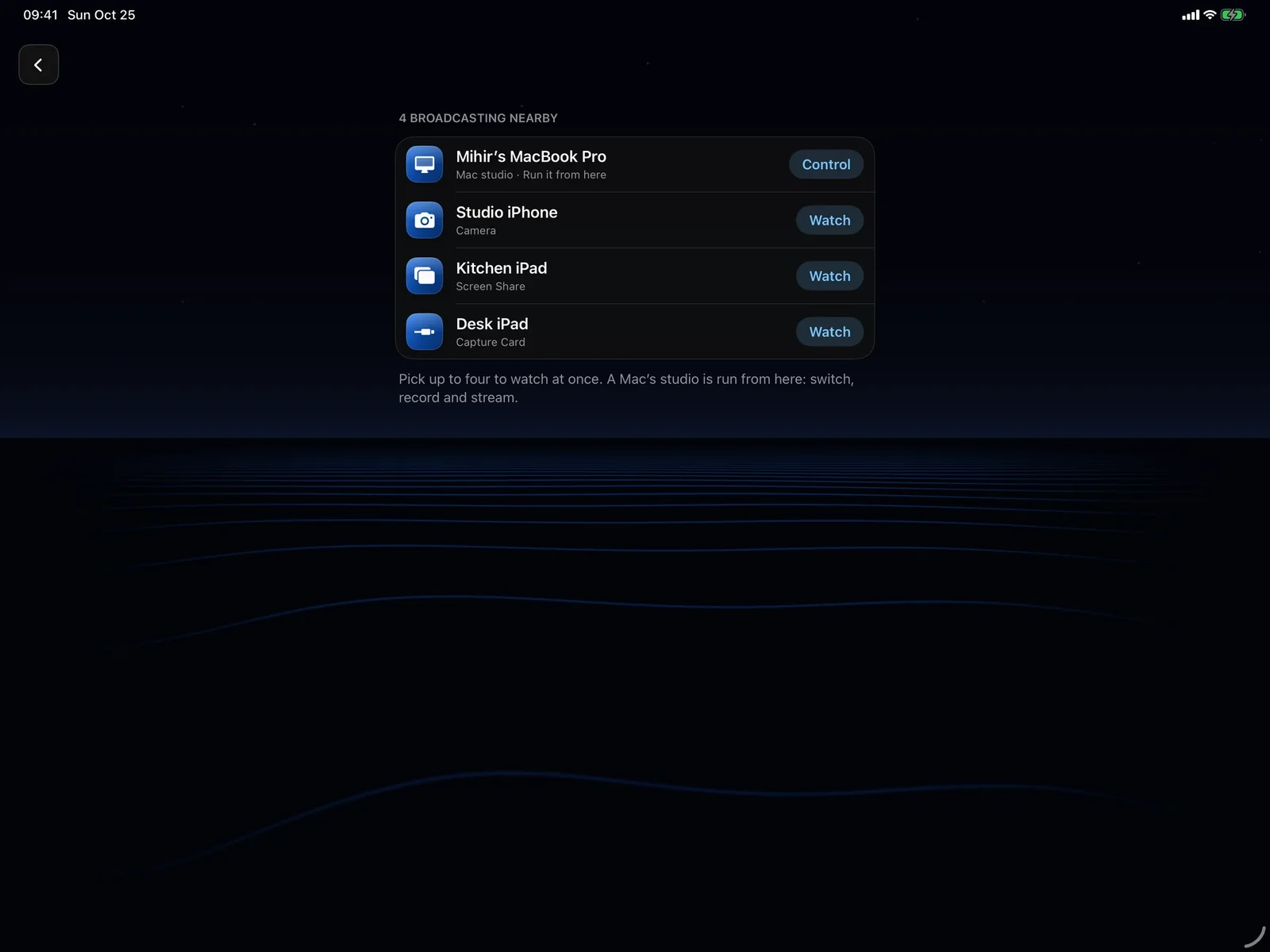
Start Screen Share, then pick it in Director on another device or in Mirage for Mac, and enter its six-digit code. Two devices can watch at once.
It also goes into OBS and other NDI® software, and to any browser on your network.
More in Screen Share
Questions
Can I share my iPhone screen to my Mac?
Yes. Start Screen Share on the iPhone, choose it under Devices in Mirage for Mac, and enter the code it shows.
Does Screen Share include sound?
Yes, the shared app’s sound. It doesn’t include the microphone.
Can I share protected video?
Some apps block screen recording, and their content can’t be shared.
Guides
Also in Mirage Capture
Get Mirage Capture.
One purchase for iPhone, iPad, Mac, and Apple Watch. No account, no subscription.
Download on the App StoreDownload on the Mac App Store