 Mirage Capture
Mirage Capture vs Continuity Camera
Continuity Camera is built into macOS and makes one iPhone your Mac’s webcam. Mirage Capture is for when you want more: several cameras, recording every angle, or sending the picture somewhere else.
When Continuity Camera is enough
If you want one iPhone, signed in to your own Apple Account, as the camera in a video call, Continuity Camera is free and already on your Mac. Its Center Stage, Portrait, and Desk View effects work well.
What Mirage Capture adds
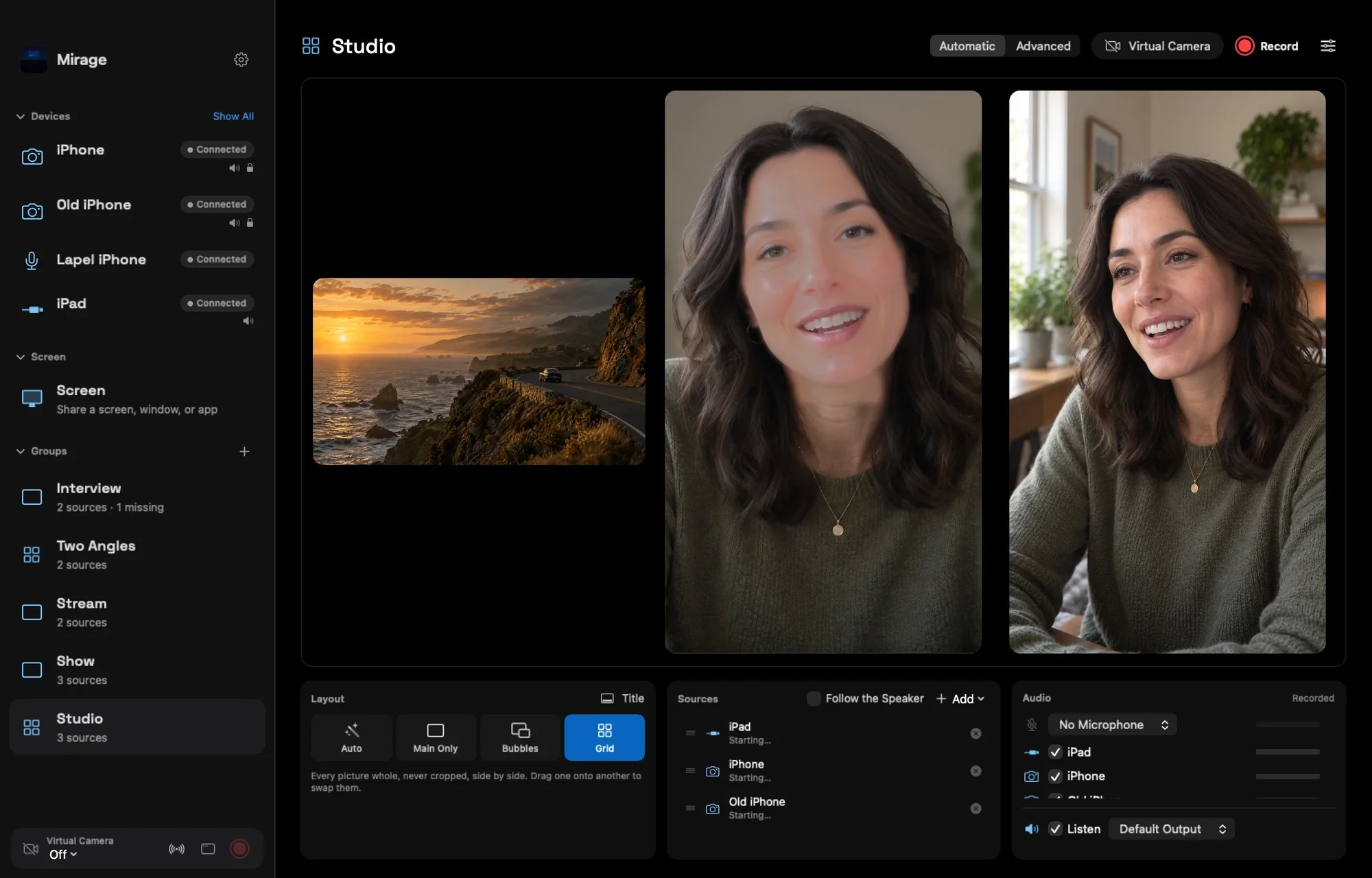
- Several iPhones and iPads at once, arranged in a group as one camera.
- Any device: a friend’s iPhone or an old one on another Apple Account pairs with a six-digit code.
- A file for every angle, in sync, with a timeline for Final Cut Pro, Premiere Pro, and DaVinci Resolve.
- NDI® and Browser outputs for OBS and other computers, including Windows.
- Streaming with your own stream key, live captions, instant replay, titles, and your logo.
- An iPad as a capture monitor, an iPhone as a wireless microphone, and Director and Apple Watch as remotes.
Can I use both?
Yes. An iPhone used through Continuity Camera can be one of the cameras in Mirage for Mac, next to your other devices.
Questions
Is Mirage Capture free?
Mirage Capture is a one-time purchase that includes the iPhone, iPad, Apple Watch, and Mac apps. No subscription.
Does Mirage Capture work with older iPhones?
Any iPhone with iOS 17 or later.