Roll from your wrist.
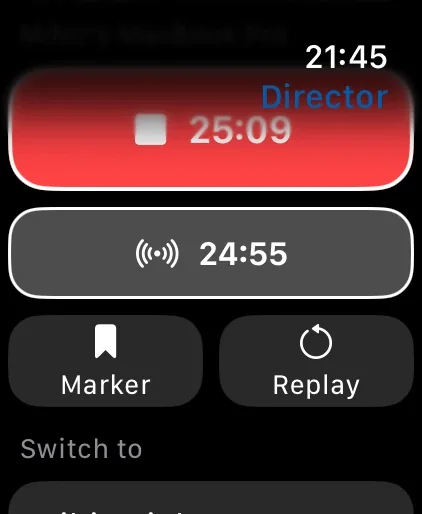
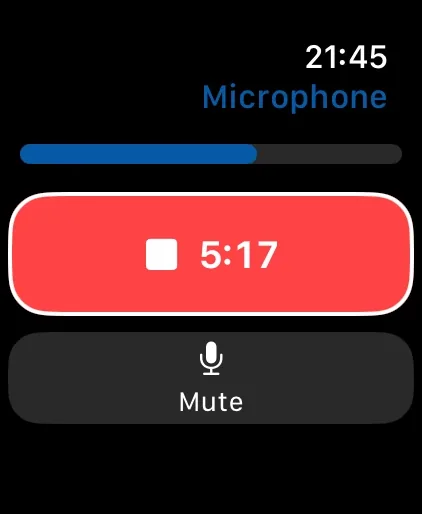
Record, flip the camera, switch lenses, turn on the light, and mute, with a live preview on the watch. From Director, run your Mac studio: record, add a marker, replay, and switch cameras.
Download on the App StoreDownload on the Mac App StoreApple Watch paired with an iPhone running Mirage Capture. Keep Mirage Capture open on the iPhone.
More in Apple Watch
RecordStart and stop the camera, microphone, or Mac studio.
Camera controlsFlip, switch lenses, and turn on the light.
MarkersMark a moment to find it in the edit.
SwitchPut another camera in use from your wrist.
Questions
Does the Apple Watch app work on its own?
It’s a remote for Mirage Capture on your iPhone, which needs to stay open.
Is the Apple Watch app included?
Yes. It comes with Mirage Capture on the paired iPhone.
Guides
Also in Mirage Capture
Get Mirage Capture.
One purchase for iPhone, iPad, Mac, and Apple Watch. No account, no subscription.
Download on the App StoreDownload on the Mac App Store