 Mirage Capture
How to use your iPhone as a teleprompter camera
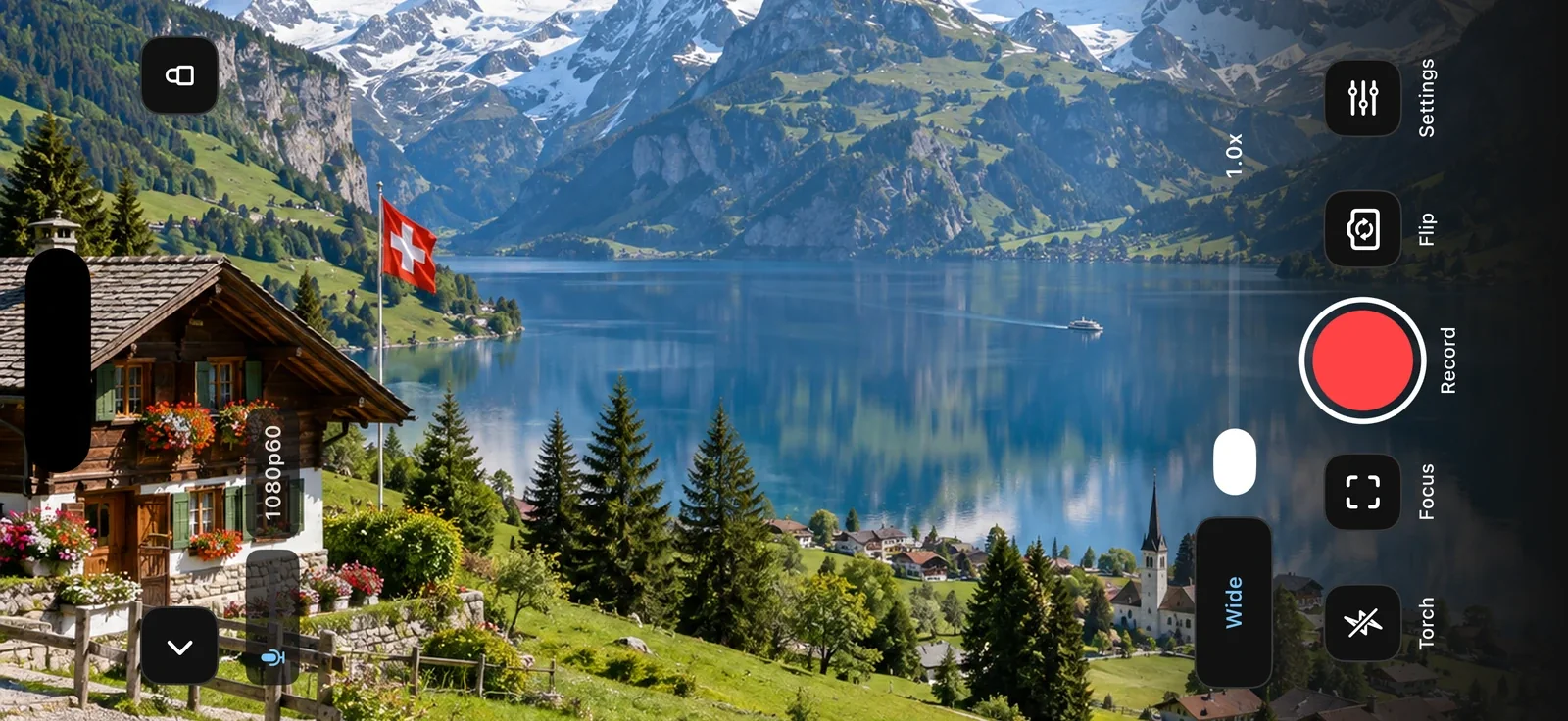
Reading a script makes you look away from the lens. Camera’s teleprompter puts the text right beside it, and can scroll as you speak, so you keep eye contact while you record or stream.
What you need
- An iPhone or iPad with iOS 17 or later
- Mirage Capture
Steps
Open the teleprompter
Camera › Camera Tools › Teleprompter, and paste your script.
Choose how it scrolls
A fixed speed, or Voice Follow to scroll as you speak. Recognition runs on the device.
Record or stream
The text stays on the screen and never appears in the recording or the stream.
Let someone else run it
Director on another iPhone or iPad, and Mirage for Mac, can start, pause, and adjust the teleprompter while you speak.
Questions
Does the script appear in the video?
No. The teleprompter is on the screen only.